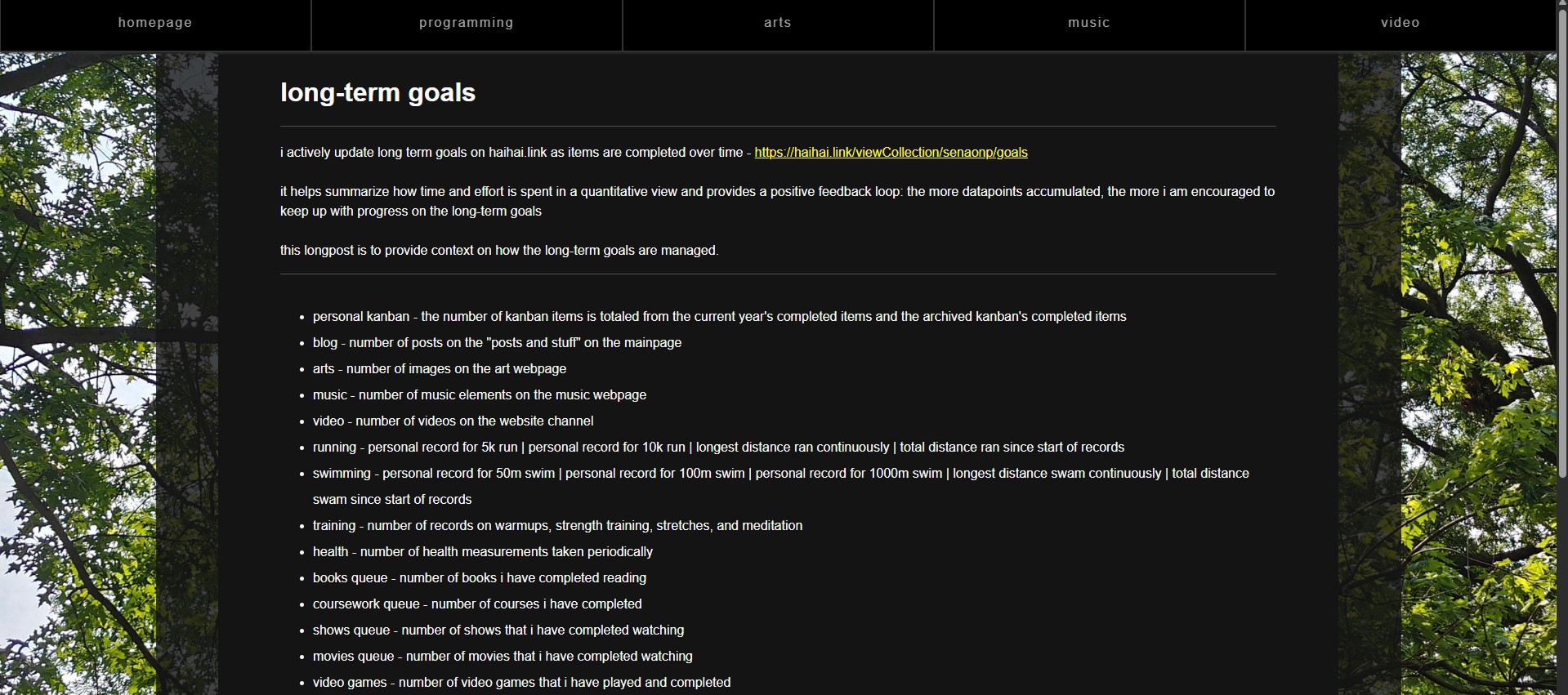
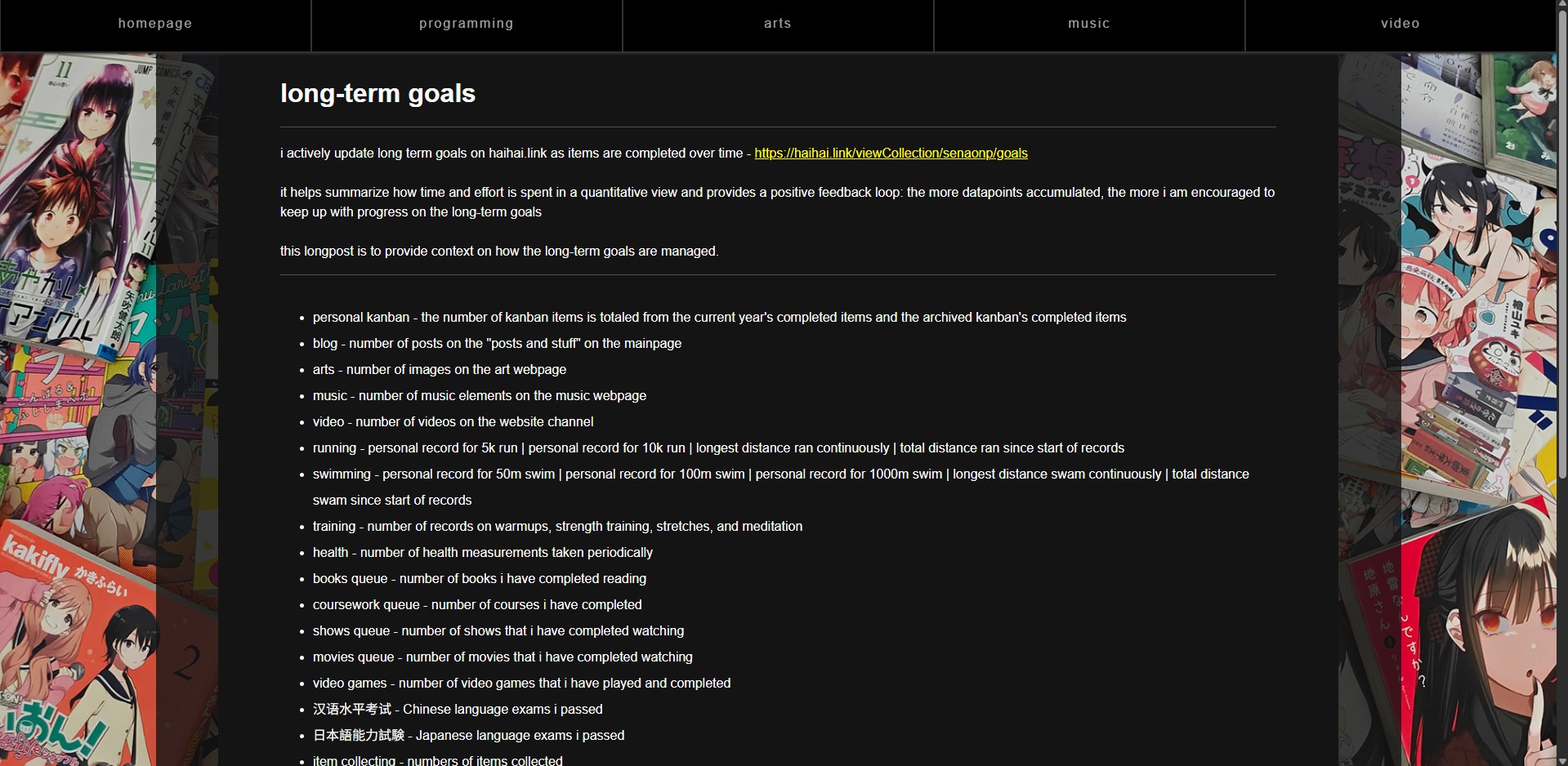
let's add a feature - background image on longposts
let's build a new feature for the longposts (・‿・✿)
for this feature, the longposts should render a background image with the main content layered on top
since this has already been implemented on the mainpage, i can modify the JS and CSS and take the background images from the same source
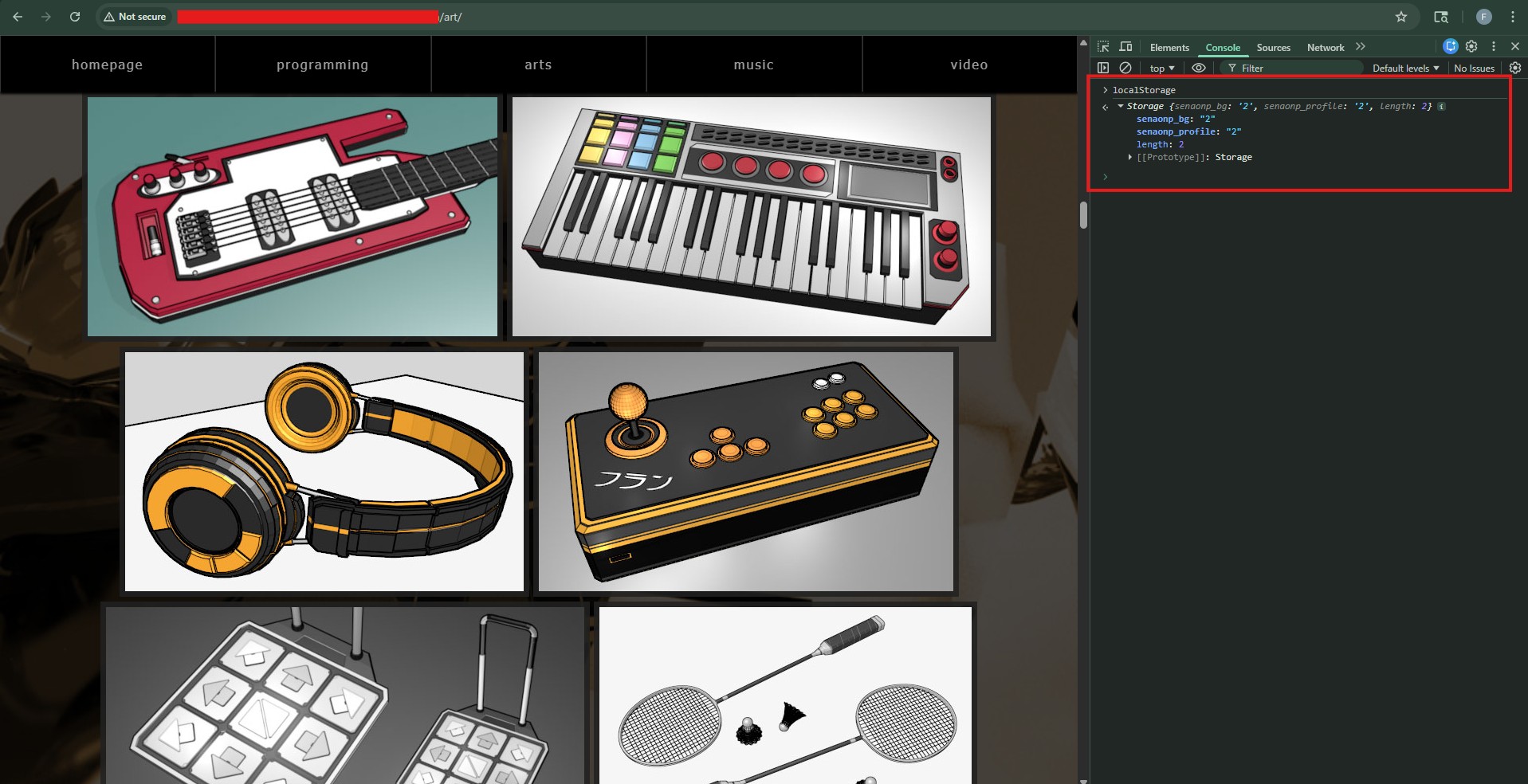
the background images are identified by the localStorage object. the items there should be accessible by other pages on the same website which i have verified by being able to access the "senaonp_bg" key-value from the /art page
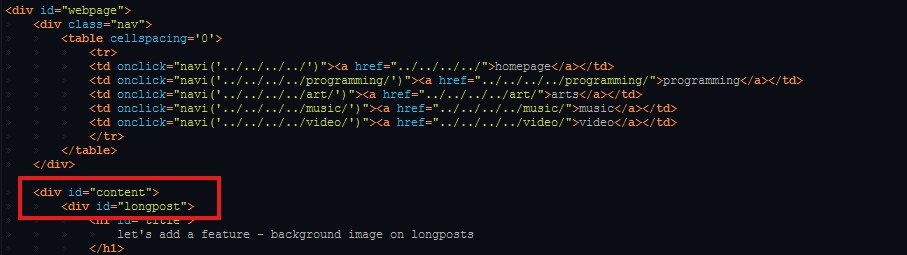
the main content of the page is in the longpost div which is enclosed in a content div. i would like to make the background image render on the main body element, then add a slightly transparent background around the content and then a solid color background for the longpost content
since the background image code is already implemented in the mainpage, we can copy it to the longpost page. however, since the webpages are at different locations, the url paths will need to be updated to get the correct location of the background images
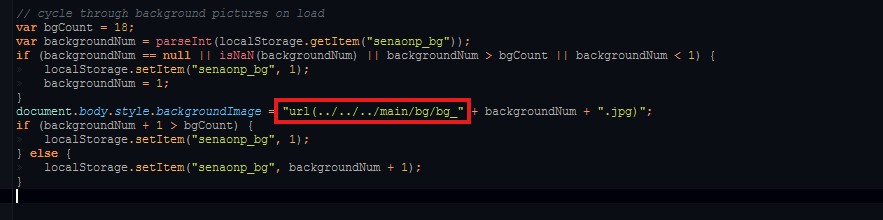
let's copy the styling from the mainpage to the longpost to initialize the background image while also updating the actual location of the background image as with the previous step

the following styling should accomplish the layout of the content and longpost divs
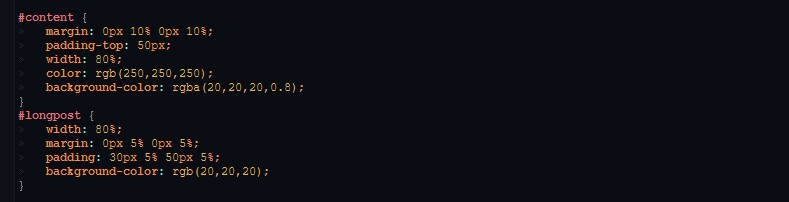
the image background now renders with the expected solid background for the content 🎉